Local, cloud or your own keys
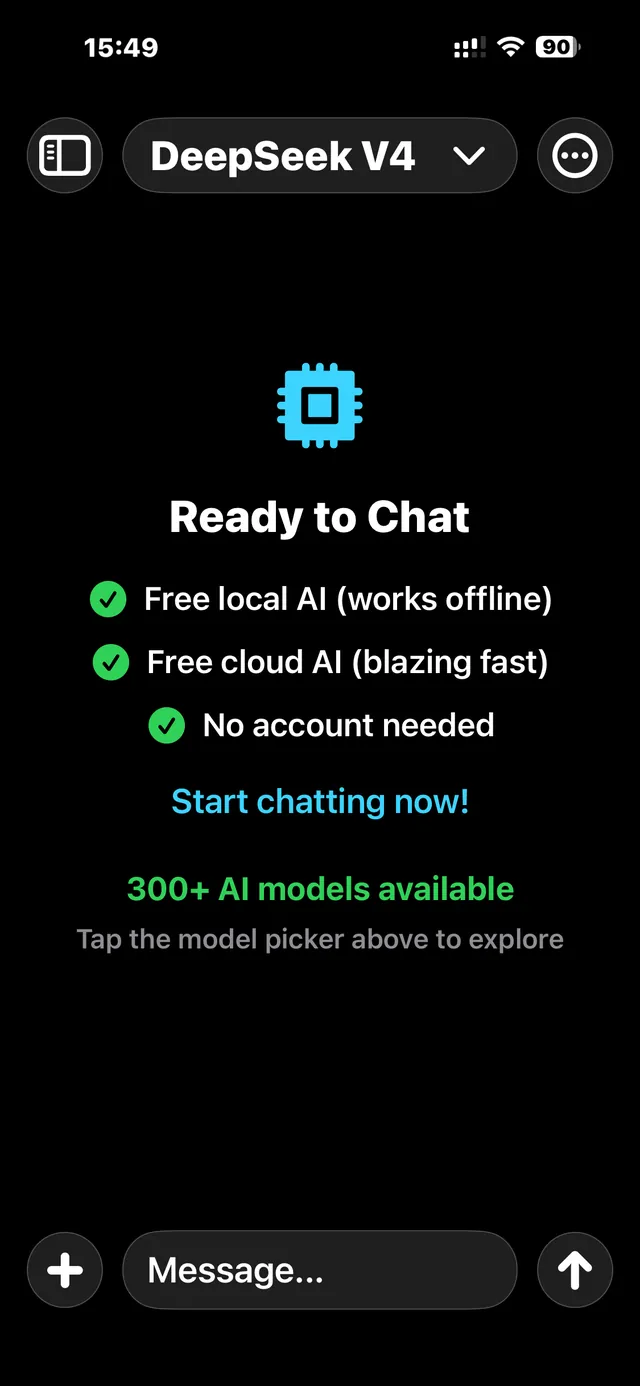
Use local AI for private chats offline, or try free cloud chat without an account. When you want more control over models and what they can do, add your own provider keys.
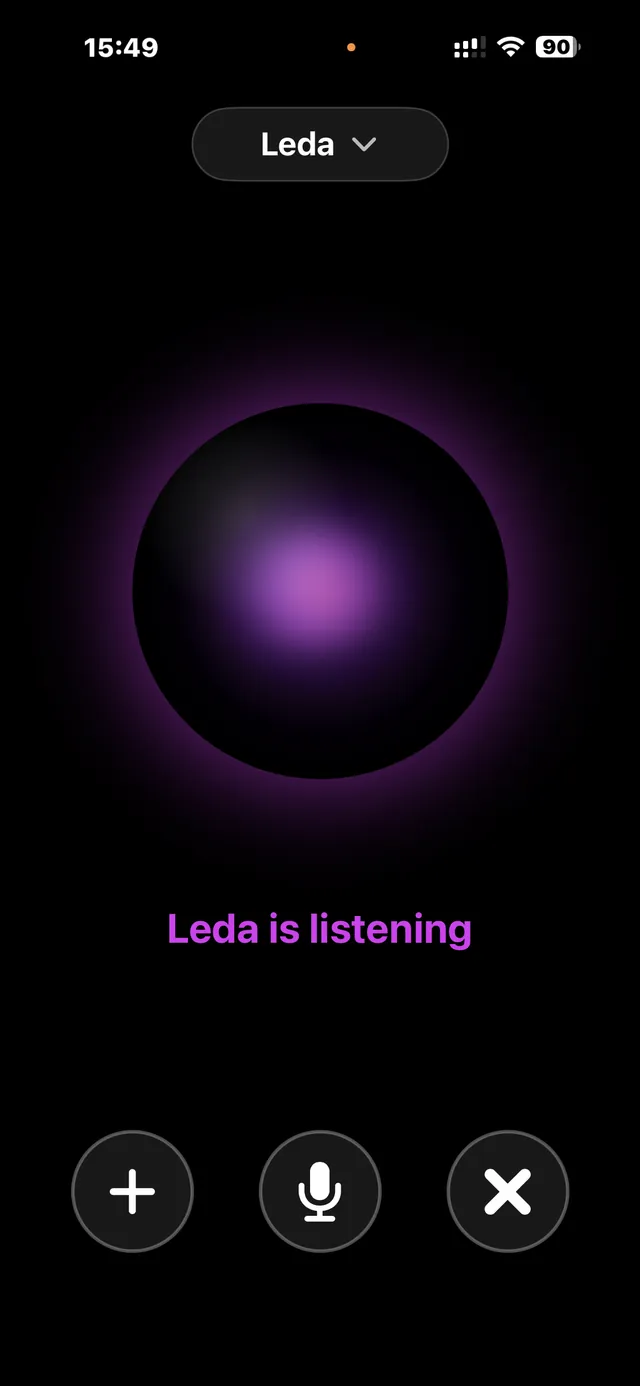
Voice chat with Gemini & Grok.
Talk to AI out loud, in real time, using either of two backends. Google Gemini Live gives you a choice of voices and built-in Google Search for up-to-date answers, and you can share photos mid-conversation. xAI Grok is the second real-time backend, with a large voice library that updates automatically and covers many languages and accents.
Each backend has its own system prompts, so you can set the personality, accent and behaviour separately for each. Bring your own Gemini and xAI keys. Coming soon in version 4, you'll also be able to sign in with your xAI account and use Grok voices on your existing subscription.
Run your own models with LM Studio.
Run any open model in LM Studio on your computer, then use it from Chat LLM wherever you are over a private Tailscale connection. You can browse, load and unload your computer's models from the app, and chatting works just like it does with every other provider.
There are no per-message credits, rate limits or content restrictions. You only pay for your own electricity and broadband, and your chats stay on your own hardware.
Reader — listen to anything.
Reader turns Chat LLM into an audiobook player for your own stuff. Import a PDF, EPUB or TXT file, paste in some text, or share a webpage or document straight to the app, and Reader reads it out paragraph by paragraph. Tap any paragraph to jump there. Your place is saved automatically.
Pick a voice for each document from four text-to-speech providers. OpenRouter Kokoro costs pennies. MiniMax gives you high quality for the money. ElevenLabs does expressive narration, including your own cloned voices. Fish Audio has a huge library of community and custom voices in lots of accents. Bring your own key for whichever you choose, and your account voices sync automatically so you can search and favourite them. Coming soon: xAI Grok joins as a fifth voice provider. Just sign in and it runs on your existing xAI subscription.
To keep a document for good, export it to a single audio file on your device. After that it plays straight from the file, offline, without using any more voice credits, and you can share the audio to other apps. Exported files also appear in the Files app under Chat LLM → Reader.
Exports can be resumed, which helps with long books. Pause whenever you like and your progress is saved to the exact sentence, even if the app closes or the connection drops. When you come back, the export picks up where it stopped, and only the remaining sentences use your voice credits.
Make images and videos, right in the chat.
Version 4 adds image and video generation to the model picker you already use: dozens of image and video models via OpenRouter, plus Grok's Imagine family. Type a prompt, attach a reference photo or first frame if you like, and the result appears in your conversation. Each model's own controls (aspect ratio, resolution, quality, duration, audio) show up in the composer, and every card shows its price up front.
Renders keep going even if you leave the thread or close the app, and a notification lets you know the moment your image or video lands. Save results to Photos or share them anywhere.
Grok, included with your xAI subscription.
You won't need an API key. Sign in with your xAI account and Grok becomes your fifth provider, with text chat, real-time voice and the new image and video models all running on your existing xAI subscription. If you'd rather use your own key, that still works.
Key features
- Optional on-device AI for offline chat with no internet connection required
- Free cloud chat available without creating an account
- 300+ third-party models via OpenRouter (bring your own key)
- LM Studio — use your own computer’s local models over a private Tailscale connection
- Real-time voice chat with Google Gemini Live and xAI Grok — Grok offers a large, auto-updating library of voices across many languages and accents (bring your own keys)
- Reader — spoken playback of PDFs, EPUBs, TXT files, pasted text, and shared webpages, with OpenRouter Kokoro, MiniMax, ElevenLabs, or Fish Audio voices (BYOK)
- Per-document voice and speed, saved position, and a built-in library
- Share any document, webpage, or text into Reader to start listening instantly
- Export a whole Reader document to a single saved audio file — play it back offline without using your voice credits again, share it, or open it from the Files app
- Resumable exports — pause any time and progress is saved to the exact sentence; resume later and only the remaining sentences are billed
- Web search toggle for any OpenRouter model — live results in text chat (BYOK, charged to your OpenRouter credits)
- Image and photo uploads on supported vision-capable models
- Document uploads for PDF, Word, and text files where supported
- Independent primary and secondary system prompts per provider, for both text and voice
- Advanced generation controls (temperature, top-p, and more)
- iCloud sync — your settings, system prompts, conversations, and Reader library sync across your devices and restore after reinstalling
- Conversation history with model identification
- Coming soon in version 4 — image and video generation in chat via OpenRouter and Grok media models, with per-model controls and prices shown up front
- Coming soon in version 4 — sign in with your xAI account to use Grok text chat, voice, and media on your existing subscription, no API key needed
Built for privacy-conscious users.
You don't need an account to use Chat LLM. If you add API keys, they're stored securely on your device in the iOS Keychain.
Your conversations and Reader library sync through your own private iCloud, tied to your Apple ID — they are never stored on our servers, and we have no access to them.
When you use third-party providers, your prompts, uploads, or voice input are sent to the selected provider to generate a response. Their own privacy and retention policies apply.
Free to download
There's no forced subscription. If you choose to use a provider, that provider may charge you for what you use.