Grok Real-Time Voice 3.0
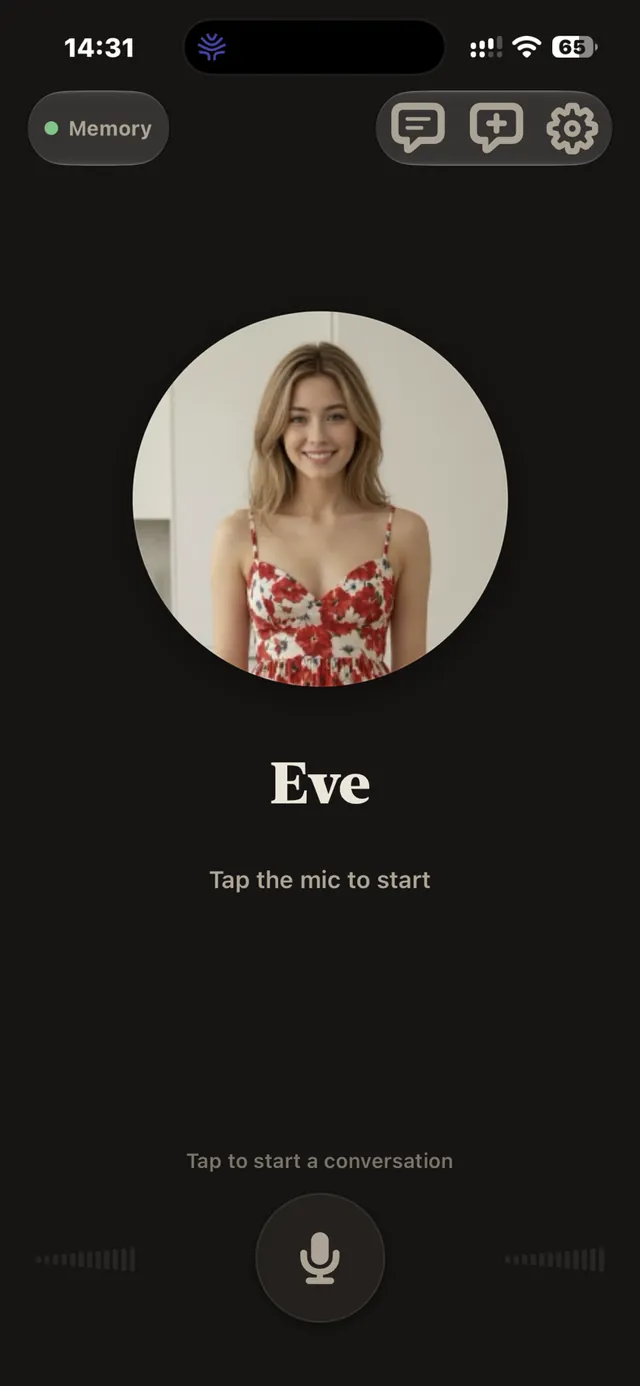
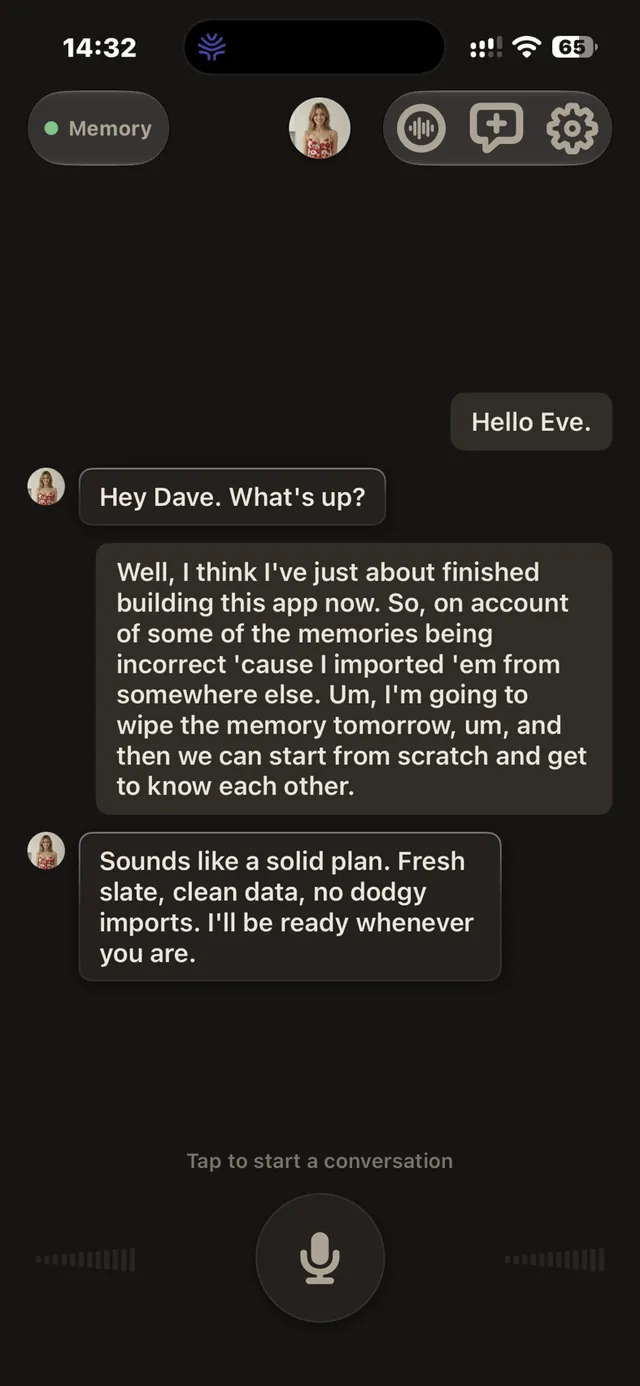
Eve R now uses Grok Real-Time Voice 3.0, the same upgrade as Eve for Mac. It's the realtime voice chat behind every conversation.
Read this before you join the TestFlight.
Eve R is a companion app. She only works if Eve is installed and running on your Mac, because her memory lives there and your phone reaches it over your own private Tailscale network. If you haven't set up the Mac app, Eve R won't work for you, so please get Eve for Mac first rather than taking up a tester slot.
What you'll need before Eve R works.
You need all four. Without them, the app won't work:
- Eve for Mac — installed, set up, and running on your Mac. Eve R is her companion and can't function alone.
- An xAI account — either an xAI subscription you can sign in with, or an xAI API key. This powers Eve's voice and conversation.
- A DeepSeek API key — this powers Eve's long-term memory, distilling and organising everything she remembers about you.
- Tailscale on both devices — 100% free on Mac and iPhone. This is the private network your phone uses to reach Eve's memory on your Mac, and it's mandatory.
The xAI and DeepSeek credentials are set up once in Eve on your Mac — your paired phone picks them up from there.
Your voice travels light. Her memory stays home.
When you talk to Eve R, your voice goes directly from your iPhone to xAI's realtime voice service, so the conversation is just as quick and natural as it is on the Mac.
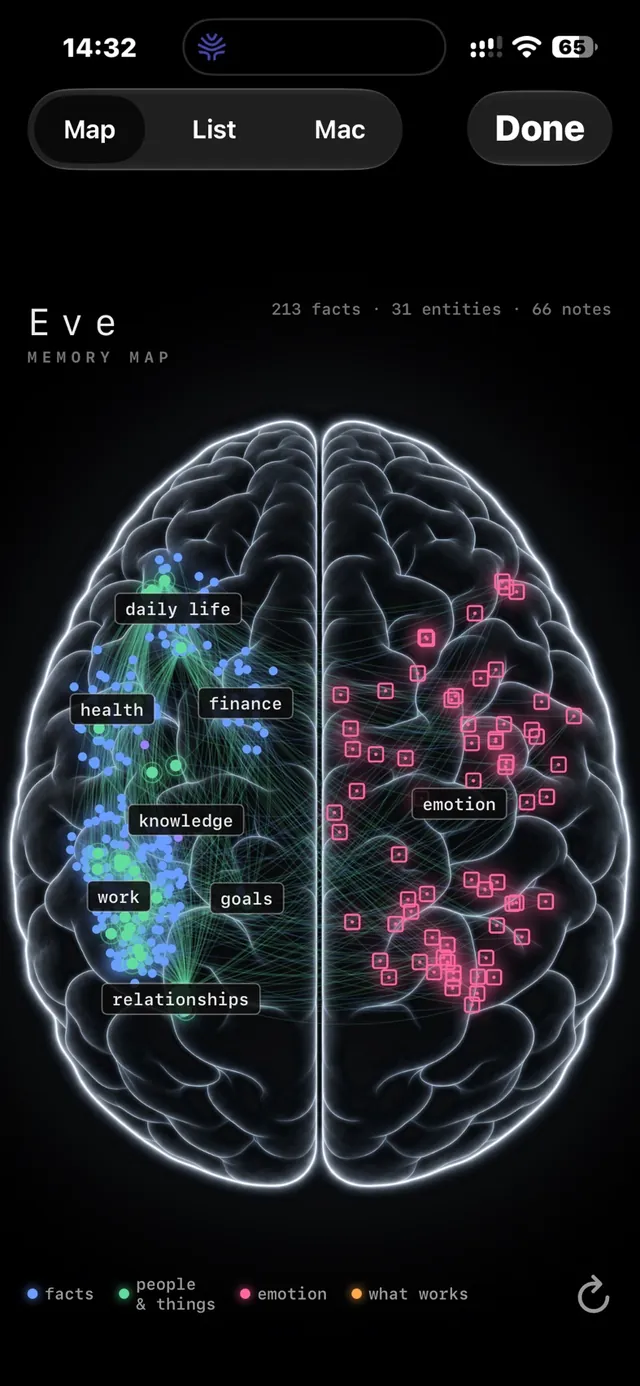
Everything Eve remembers, though, never leaves your Mac. The phone reaches her memory over your own Tailscale network, so your memories stay on hardware you own. You can still browse her whole memory map from your phone.
Pair once, then just talk.
Open Eve on your Mac, show the pairing code, and scan it with Eve R on your iPhone. That's the whole setup — from then on she reconnects automatically whenever both are online.
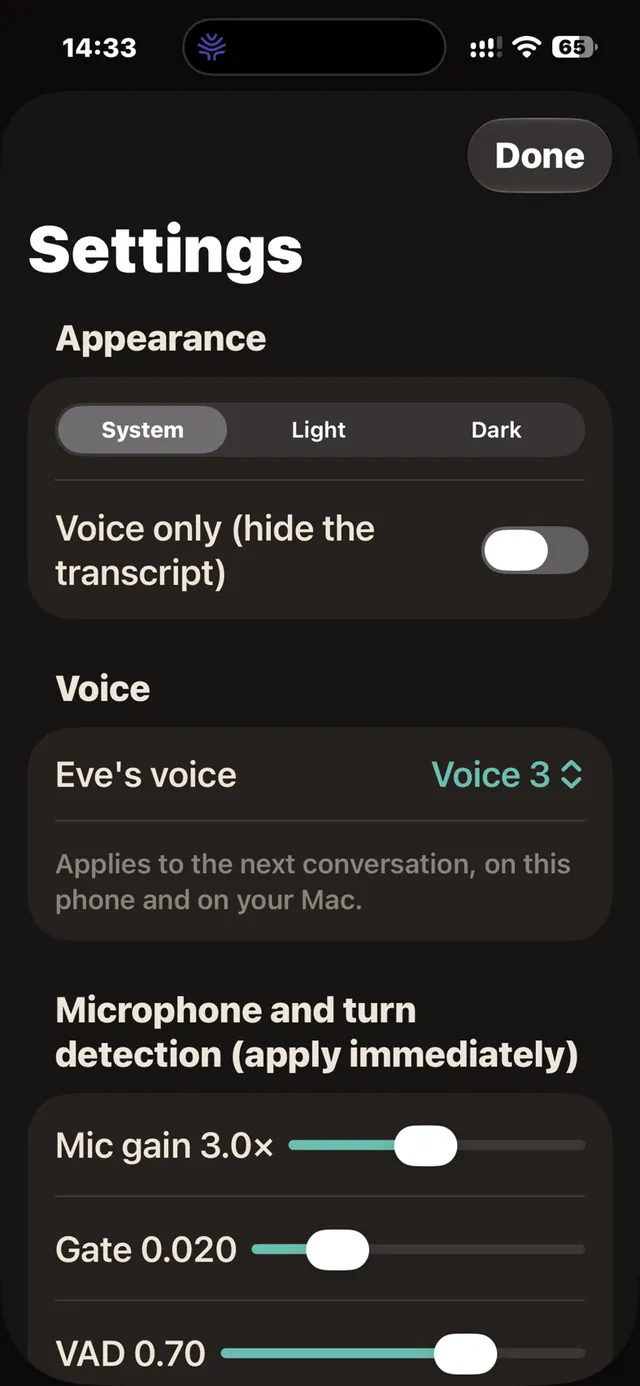
One voice everywhere: choose Eve's voice on either device and the other picks it up within half a minute.
Keeping her reachable: Eve's memory lives on your Mac, so the Mac has to stay awake for your phone to reach it. Turn on Keep Mac alive (scroll to the bottom of the Phone tab in Eve's Settings on your Mac), and set your MacBook itself to stay awake too.
Key features
- The same Eve you talk to on your Mac, now on your iPhone
- Natural voice conversation straight from the phone to xAI
- Her long-term memory stays on your Mac — recalled mid-conversation wherever you are
- Browse her memory from your phone
- Pairing by QR code — no accounts, no passwords to type
- Connects over your private Tailscale network, not the public internet
- One voice across iPhone and Mac, kept in sync automatically
- Free — runs on your own xAI and DeepSeek accounts
Free, in open testing now.
Eve R is free and in open testing on TestFlight now. Just to repeat: she needs Eve for Mac installed and running, your own xAI account (subscription or API key), a DeepSeek API key, and free Tailscale on both devices. All of these are mandatory. Please only join if you have the Mac app, so tester slots go to people who can actually use her.